
MIDI to Fingering
Import a song and jump straight to playable fingerings
Animated demo
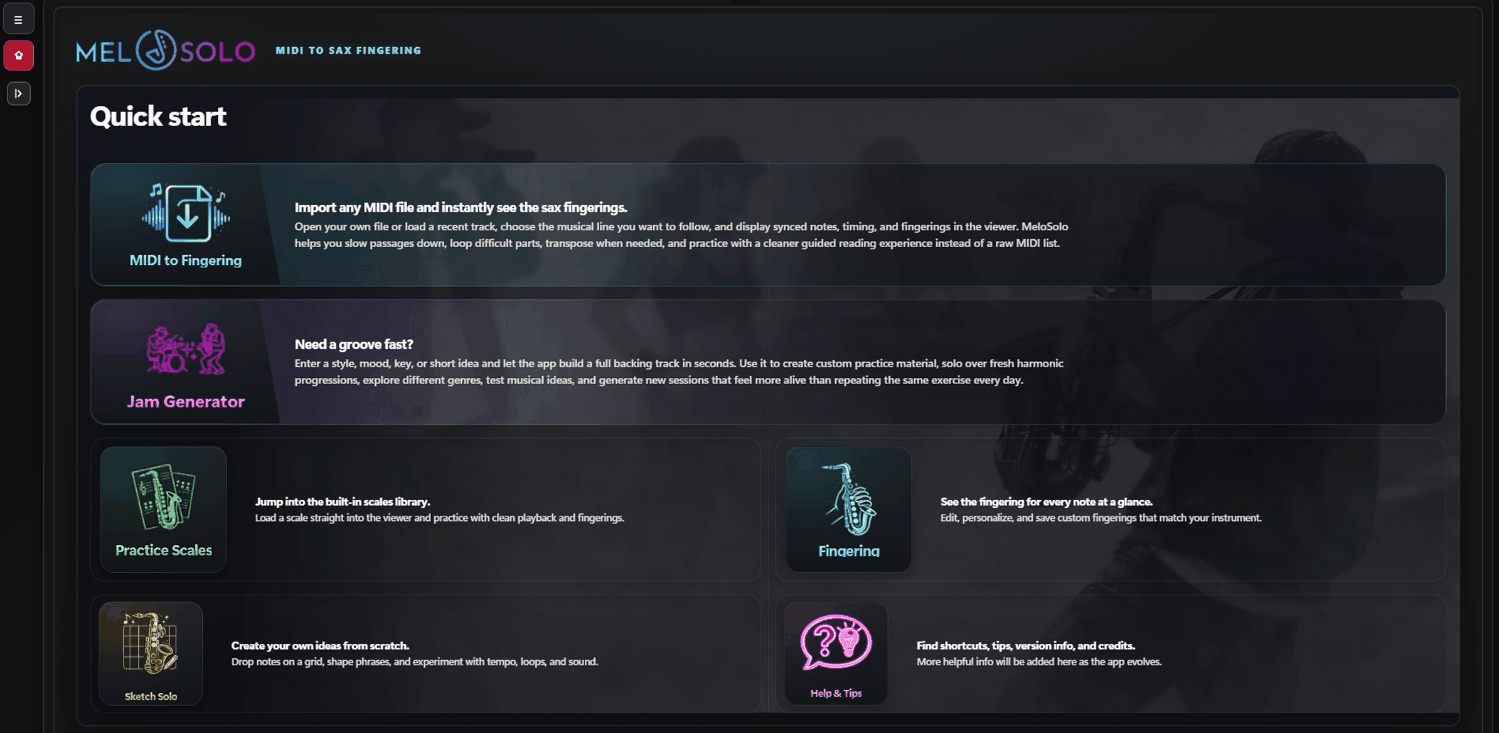
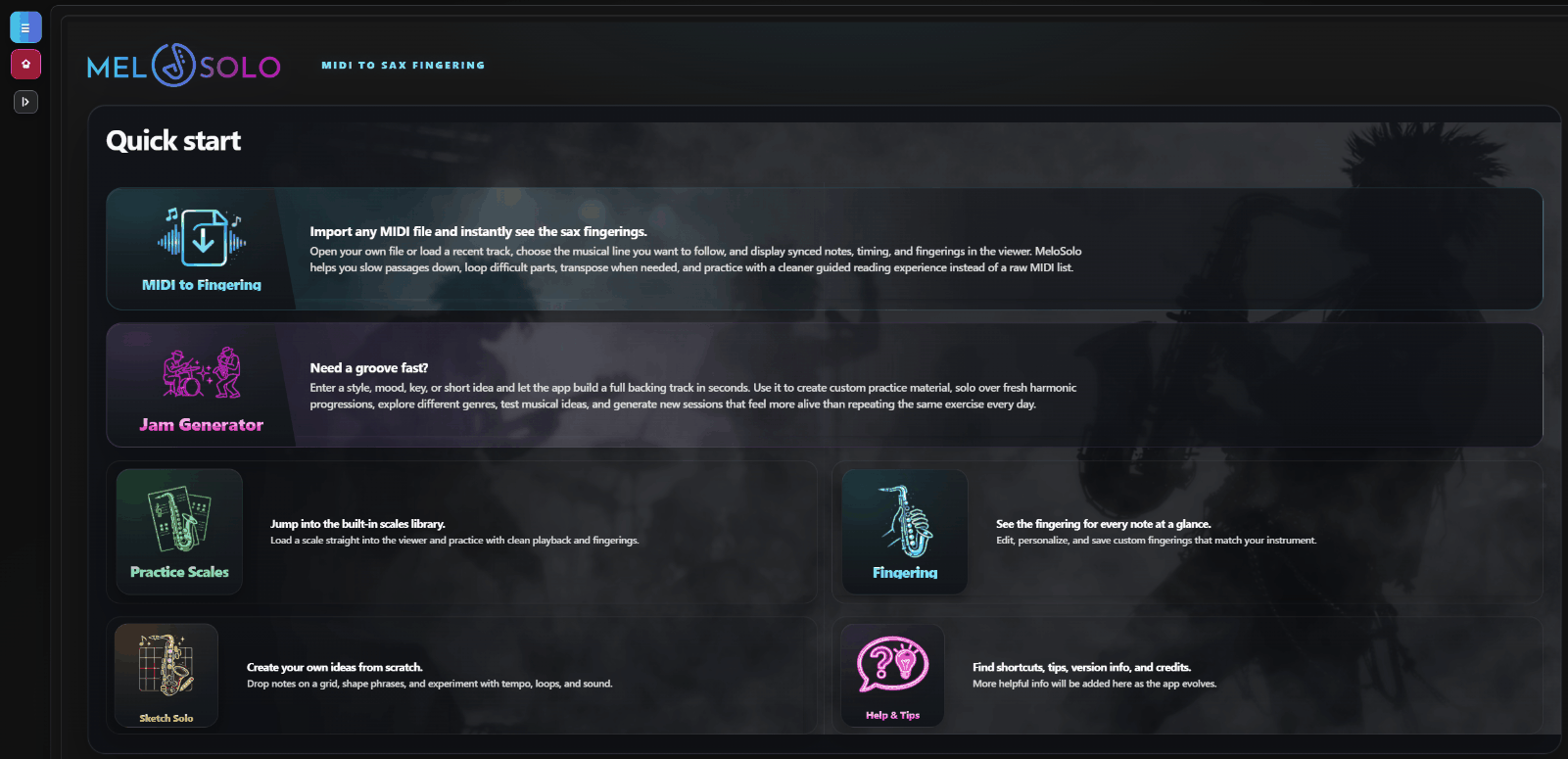
MeloSolo is built around a clear core workflow: start from a MIDI file, turn it into a readable sax fingering guide, practice difficult bars with loops, create new material with Jam Generator and extend the session with real-time MIDI device scoring.
MeloSolo is easier to understand when the workflow is moving: importing a MIDI, setting a loop and using Jam Generator should feel alive, not frozen.
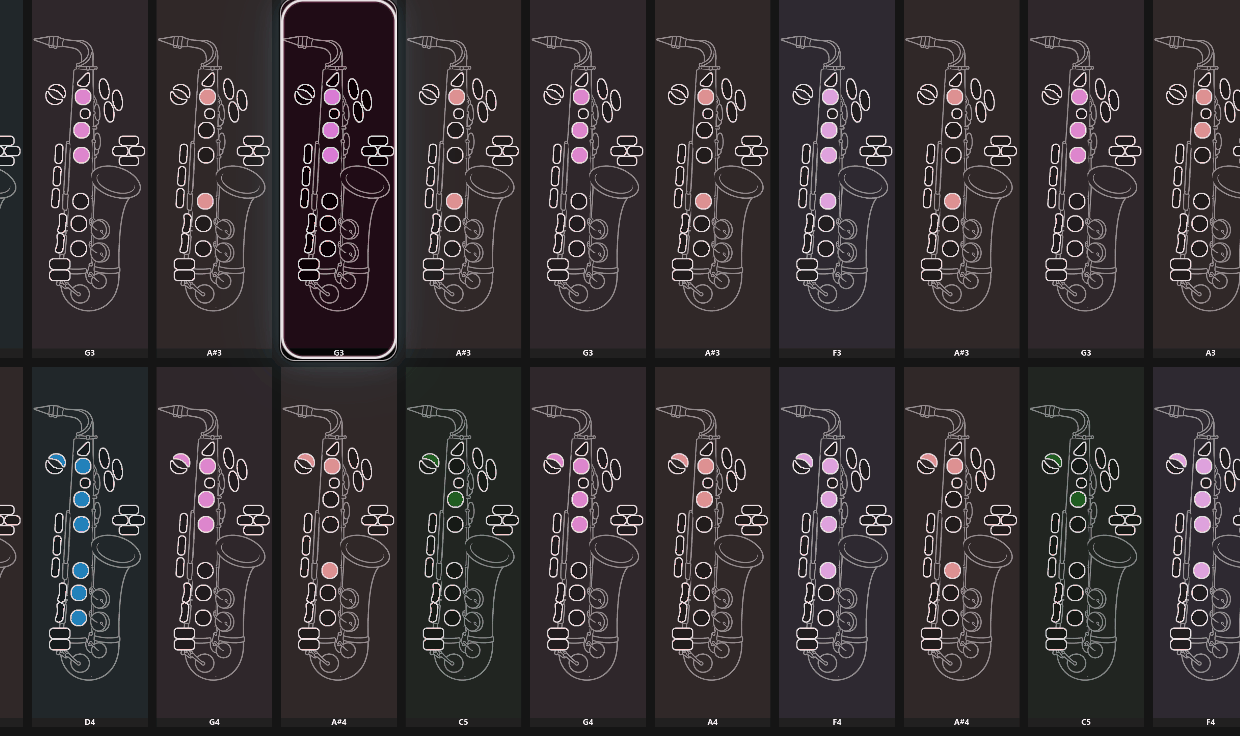
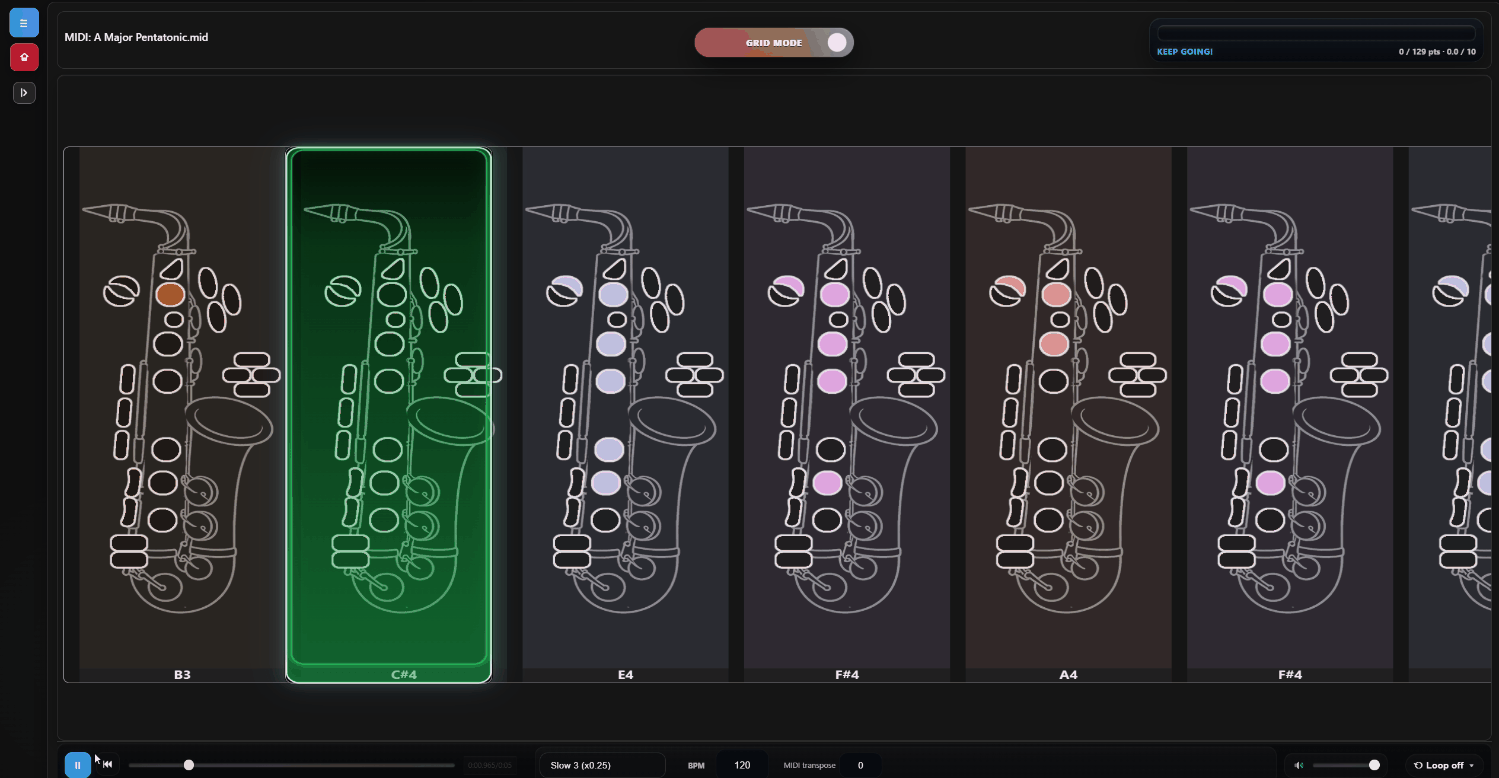
Open songs from your library, select the part you want and display a clear sax fingering guide that is easy to follow while you practice.
Isolate difficult bars, repeat them in a loop, adjust speed and clean up notes without leaving the same fingering workspace.
Build new backing ideas and solos across major musical directions, then reuse that material directly inside the same MeloSolo workflow.
Connect compatible USB MIDI and Bluetooth MIDI wind instruments to practice songs with real-time scoring feedback.
Review major, minor, modal, pentatonic, blues and world-oriented material without leaving the same instrument-focused environment.
Keep favorites close, organize your material and export clean fingering sheets for focused practice outside the app.